



WinRolla App
Reaching WinRolla from any screen takes seconds. Our platform opens the identical account when the session starts on an Android phone, an iPhone, or a desktop browser, with the same lobby of slots and live tables loading either way.
Players add a shortcut once, since Win Rolla runs as a Progressive Web App (PWA) and skips the app store entirely. Our WinRolla app never leaves the browser, yet it behaves like a native install the moment that shortcut lands on a screen.



WinRolla Mobile Casino
On a phone, the layout narrows without losing menus. The navigation bar has a single row, game tiles resize to fit thumb taps, and the live casino menu switches to a scrollable list instead of the wide desktop grid.
Slots such as Cash of Egypt and Joker Winpot keep their full paytables in the WinRolla Casino lobby on a small screen, and live tables stream at the same video quality as on a monitor. Account balance and active bonuses are in the same corner of the screen no matter which device opens Win Rolla, so moving from a phone to a tablet mid-session loses nothing.
Signing into the WinRolla Casino from any browser keeps VIP progress and coin balances synced with the mobile session. Jackpot titles and live dealer studios open at the same loading speed on a phone as they do on a monitor, since the mobile layout pulls from the identical game server.
Mobile Application for Android
Android owners add WinRolla to their home screen straight from the browser installed on the device. Our WinRolla app installs this way in under a minute, without a Play Store listing:
- Open WinRolla in the browser installed on the device.
- Wait for the install banner to appear on one of the first few visits.
- If no banner shows up, open the browser menu instead and tap the three dots in the upper right corner.
- Scroll down and select Add to Home screen.
- Confirm the suggested shortcut name.
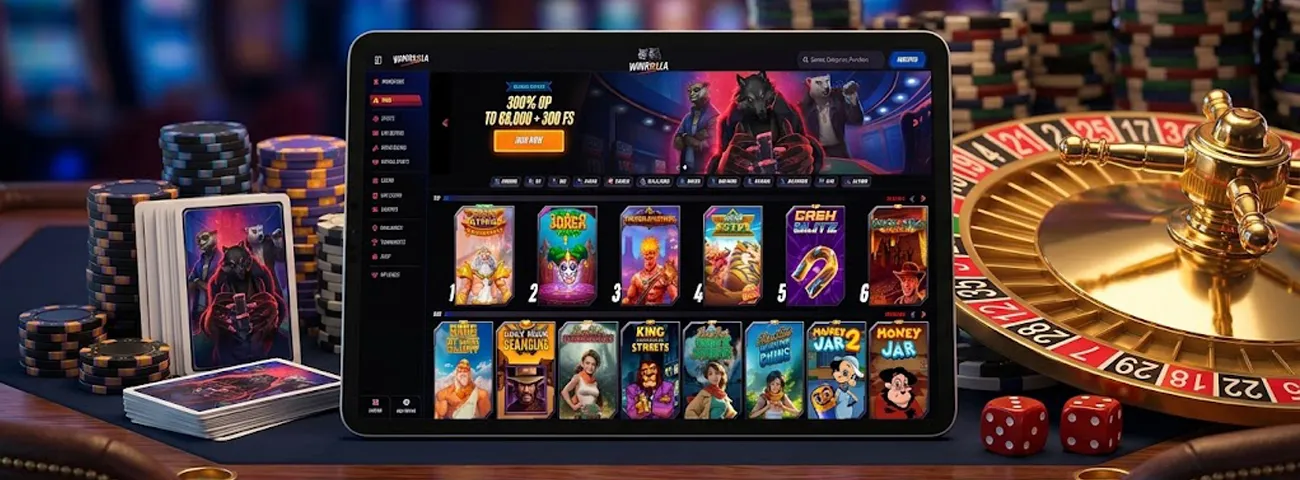
The icon lands on the home screen within seconds either way. Opening it loads our top slots exactly as they run in the browser, along with the rest of our game library, with no separate login and no reduced game count. WinRolla Casino games load identically for an Android home screen or a desktop bookmark.
WinRolla APK
No standalone APK file is behind this install path. The shortcut created through Chrome is a Progressive Web App, not a packaged installer, and that distinction removes the file-permission prompts Android otherwise shows before opening software from outside the Play Store.
Win Rolla relies on this PWA approach across every Android device instead of a downloadable file. Updates arrive automatically each time the page reloads, so there’s no separate download to track. Every update for the WinRolla app is delivered through this same background process, without a separate APK release, and reaching the WinRolla Casino on Android never requires sideloading an unknown file.
Mobile Application for iOS
iPhone and iPad players reach the same shortcut option through Safari’s share icon — the square with an arrow pointing up. Adding the WinRolla app takes just a few taps:
- Open WinRolla in Safari.
- Tap the share icon at the bottom of the screen.
- Scroll down the share menu and select Add to Home Screen.
- Confirm the suggested shortcut name.
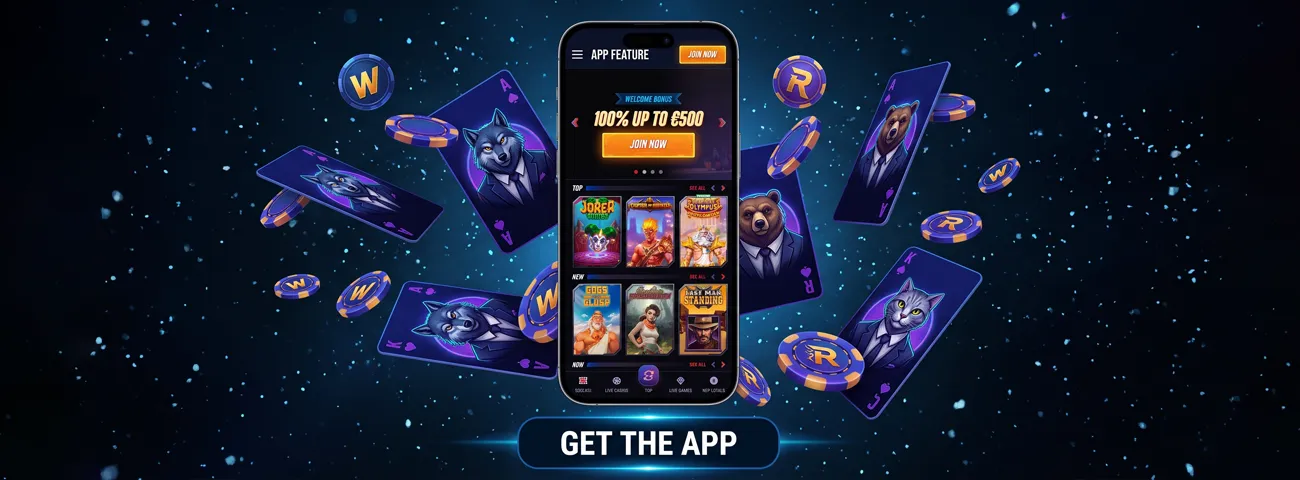
The icon lands on the home screen next to native apps. From that point, our WinRolla app opens in its own full-screen window, hiding Safari’s address bar entirely. Live tables stream at the same speed on iOS as through a desktop browser, and switching between slots and live casino keeps the same balance and history synced across both. The same shortcut works just as well on an iPad, so tablet sessions get the identical layout and game selection as a phone.
WinRolla Casino Application for Windows/macOS
Desktop players open Win Rolla straight through Chrome, Edge, or Safari, with no separate installer at all. Longer sessions benefit from the larger screen: reading a dealer’s cards during Speed Blackjack or VIP Blackjack takes less effort on a monitor than on a phone, and watching several live tables at once fits comfortably on a wider layout.
Creating a desktop shortcut through the browser’s install option turns the page into its own app-style window, separate from other browser tabs. The desktop version of the WinRolla Casino relies on the same PWA shortcut used on mobile. Payment methods and active bonuses carry over to the desktop version without exception, and so does every game category already unlocked on mobile.
A shortcut behaves differently from a store-downloaded app in a few concrete ways, and the table below breaks down what that means in practice:
| Aspect | WinRolla Shortcut (PWA) | Typical Store App |
|---|---|---|
| Store approval | Not required — installs straight from the browser | Requires review before the store lists it |
| Update process | Refreshes in the background on the next visit | Needs a manual update from the store |
| Device storage | Minimal, since content loads on demand | Often several hundred megabytes |
| Removal | Deleted like any home screen icon | Uninstalled through store settings |
Across every platform, our WinRolla shortcut opens the same way, drawing on the same account and the same game library each time. On any screen, the session picks up exactly where the last one left off.
Support and Verification on Any Device
Reaching our support team follows the same path everywhere the site opens: live chat is in the same corner of the screen on a phone, a tablet, or a desktop browser, and email support works alongside it for anyone who prefers written follow-up.
The WinRolla app keeps live chat and email identical no matter which screen opens it, along with the verification process itself. Confirming ID and proof of address ahead of a first withdrawal works through the same document upload for the Win Rolla Casino, even if the session started on Android or iOS or instead from a desktop browser. Once an account clears that check, withdrawal limits and full account access carry over to every device the same way.
The gaming experience is identical across every entry point at Win Rolla, since our WinRolla app opens from a home screen icon just as easily as a browser tab opens the site directly. The same online slots and live tables load either way, without asking players to pick one device over another.
FAQ
Does the WinRolla shortcut send alerts for new promotions?
Browsers that support push notifications can prompt for permission after the shortcut is added, letting updates about new offers appear directly on the lock screen.
Does closing the WinRolla shortcut end an active session?
Session data is tied to the account rather than the browser tab, so reopening the icon later returns to the same balance, with any game left mid-round still active.
Can the WinRolla shortcut run on a tablet?
The same install steps used on a phone work identically on Android and iOS tablets, with the layout stretching to use the larger screen instead of shrinking down.


